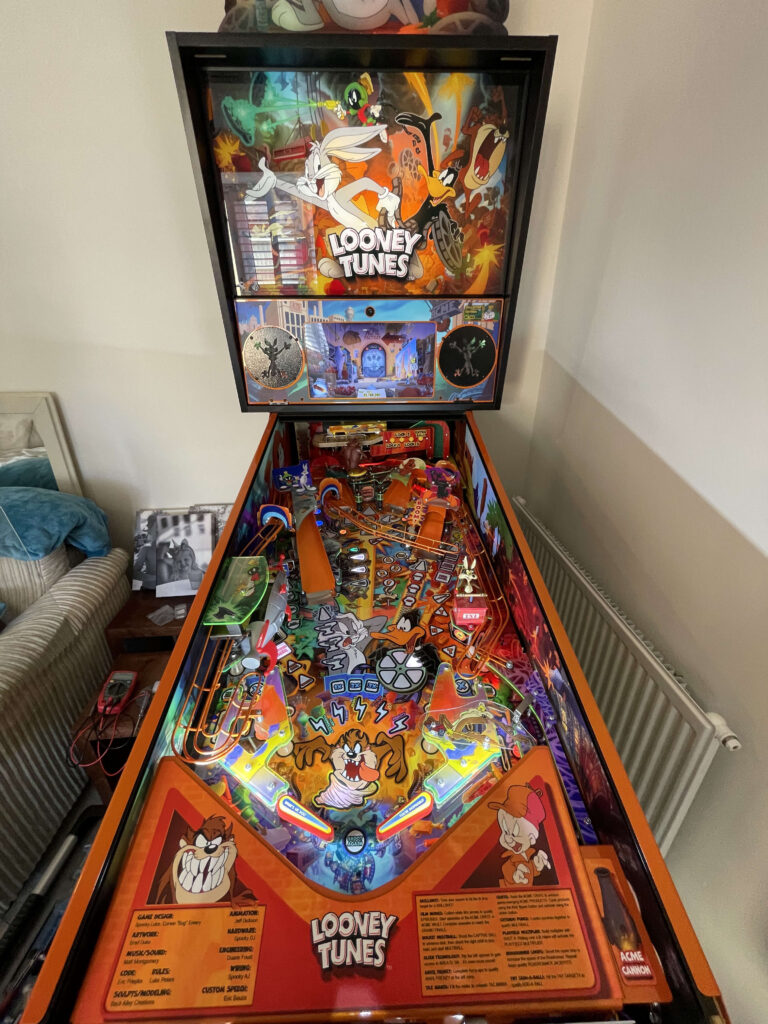
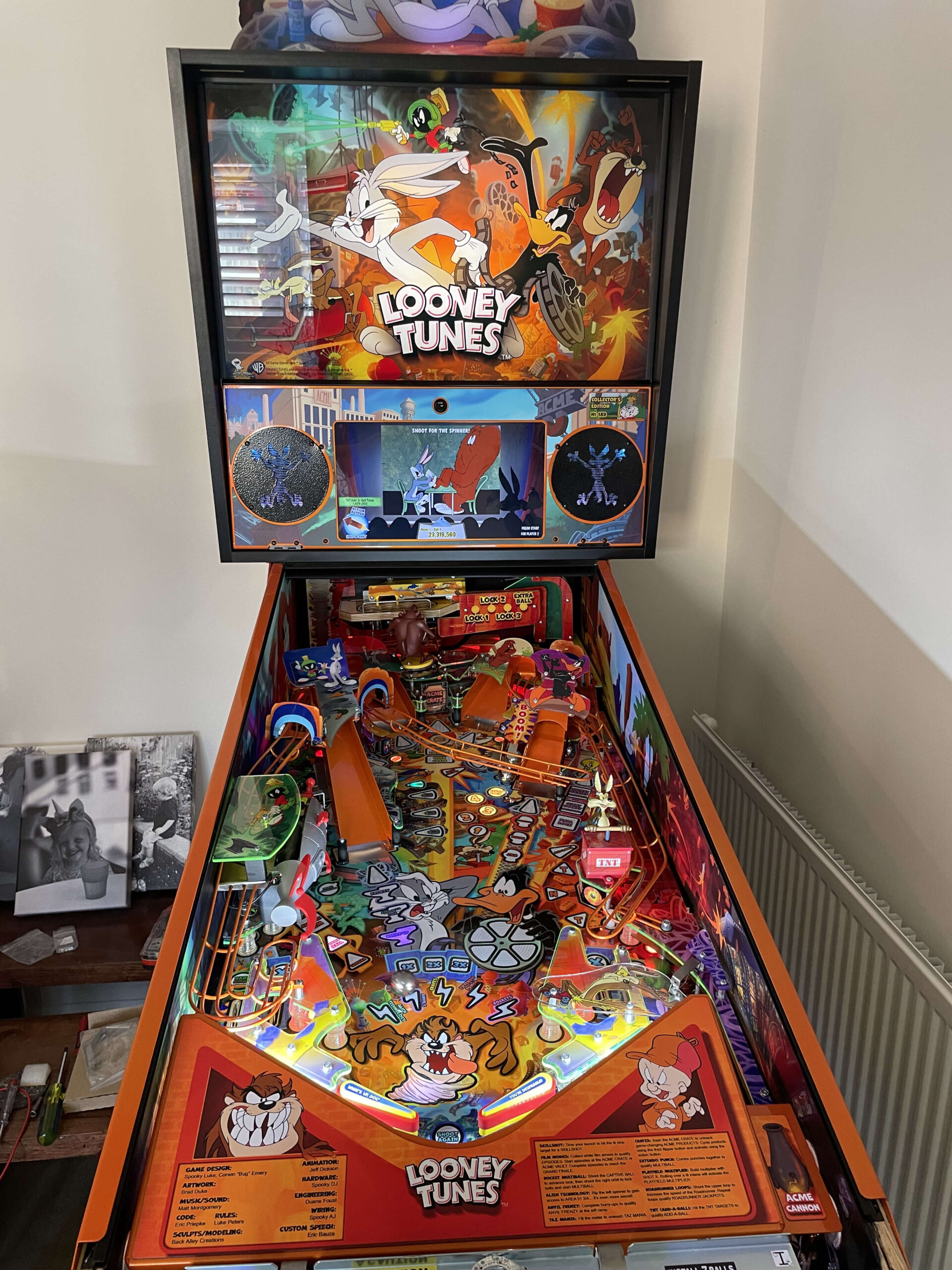
A recent service call took me to North Bristol to work on a beautiful, modern machine: Spooky Pinball’s Looney Tunes. The owner is considering selling the game and wanted to ensure it was running flawlessly for the next potential owner.
The main issue was that the switch at the rocket was failing to detect the ball. The game would eventually clear the ball during its automatic ball search, but relying on a ball search completely breaks the flow of gameplay.
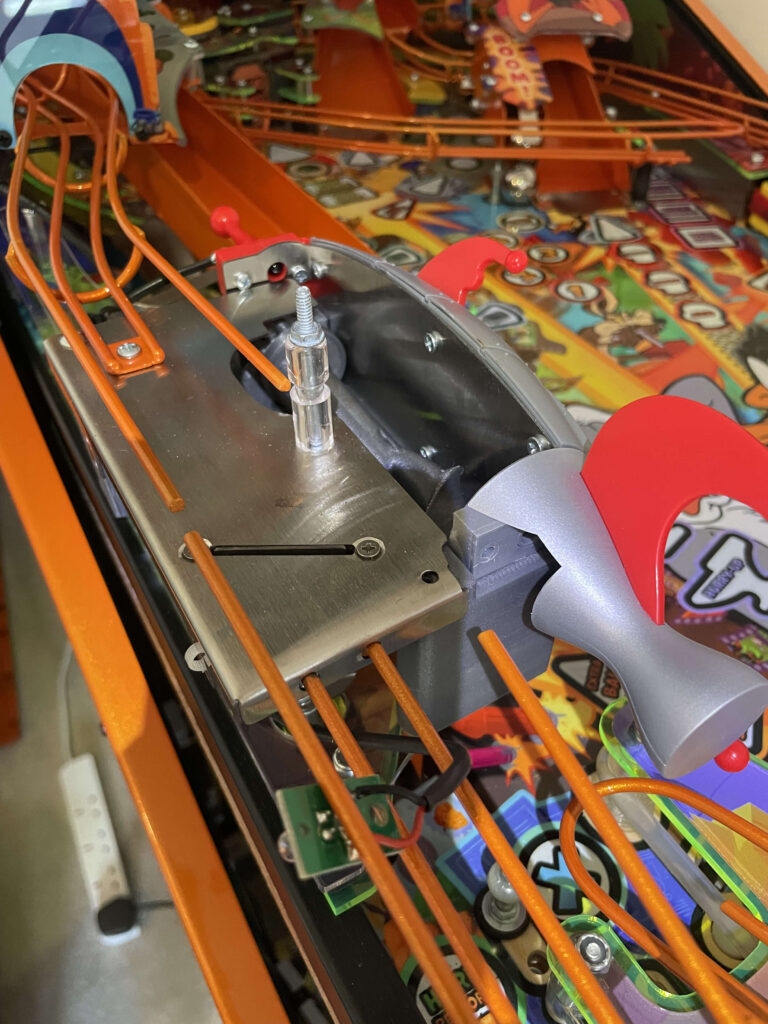
Finding the root cause of an opto issue requires a process of elimination. Here is the diagnostic breakdown:
- Cleaning the Opto: Dust and grime are often the main culprits. I started by thoroughly cleaning the opto lenses, but the switch remained unresponsive.
- Testing the Control Board: To rule out a faulty control board, I swapped the terminal of the problematic opto with a known working port on the board. The board detected the switch perfectly, confirming the issue was isolated to the opto hardware itself.
- Inspecting the Wiring: I checked for broken wires, loose connections, or cracked solder joints leading to the opto, but everything was physically sound.
- The Emitter: With all other variables eliminated, it was clear the opto emitter had failed—a very common point of failure.
Modern pinball manuals, including those from Spooky, sometimes lack the exact part numbers for these specific components. However, pinball architecture often shares universal standards. I keep classic 90s Williams/Bally style optos in my toolkit for exactly this reason. After running a quick test with some alligator clips to confirm compatibility, I soldered in a new Williams-style LED emitter.
The result? Immediate detection. The rocket fires exactly when it should, and the machine is back to playing 100% perfectly, ready for its next high score—or its next home.
If your pinball machine has unresponsive switches or needs a pre-sale service, get in touch to book a repair.