
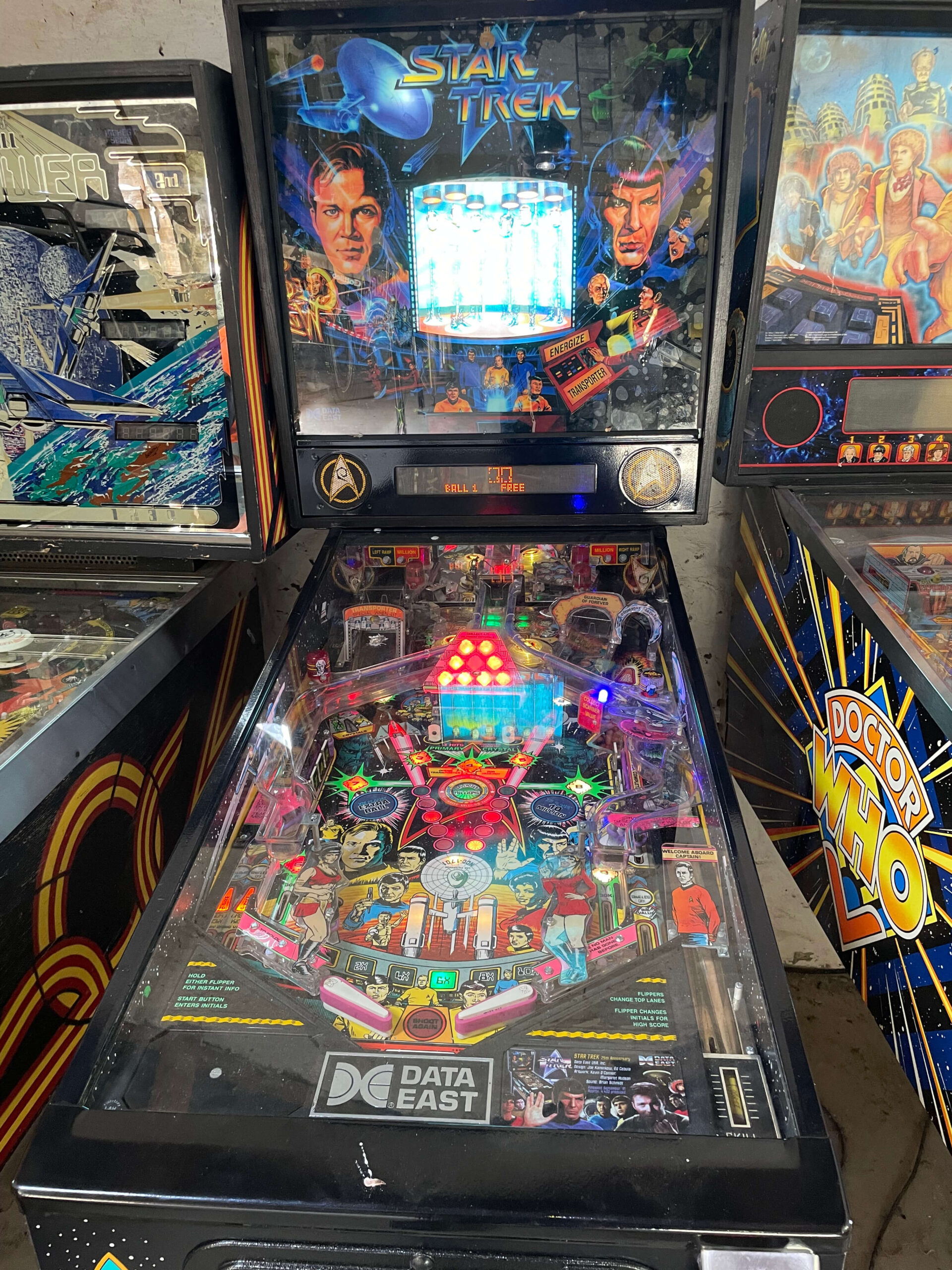
Recently, I headed over to Llanelli for a tricky Star Trek 25th Anniversary pinball repair. His Data East classic was suffering from a frustrating mix of symptoms: the machine would reset after a couple of games, it kept losing its memory (requiring Rob to constantly re-enter the menu to set it back to freeplay), and it would occasionally behave erratically, kicking out balls for no reason.
The Red Herring: “But the voltages are fine!” Whenever a pinball machine resets, the usual suspect is a drop in the 5V logic power. In fact, a previous technician had already looked at the machine and confirmed the voltages were absolutely fine, which left them scratching their heads.
However, with experience comes the knowledge that voltages are only half the story. Suspecting an issue with the RAM, I asked Rob to send me a photo of the main CPU board before my visit.
The Culprit: The Infamous Ramtron Looking at the photo, I spotted the problem immediately. Someone had installed an NVRAM module using a “Ramtron” chip. While NVRAM is usually a great upgrade to remove batteries from boards, these older Ramtron chips are notoriously unreliable and are known to cause exactly these kinds of erratic memory and reset issues.
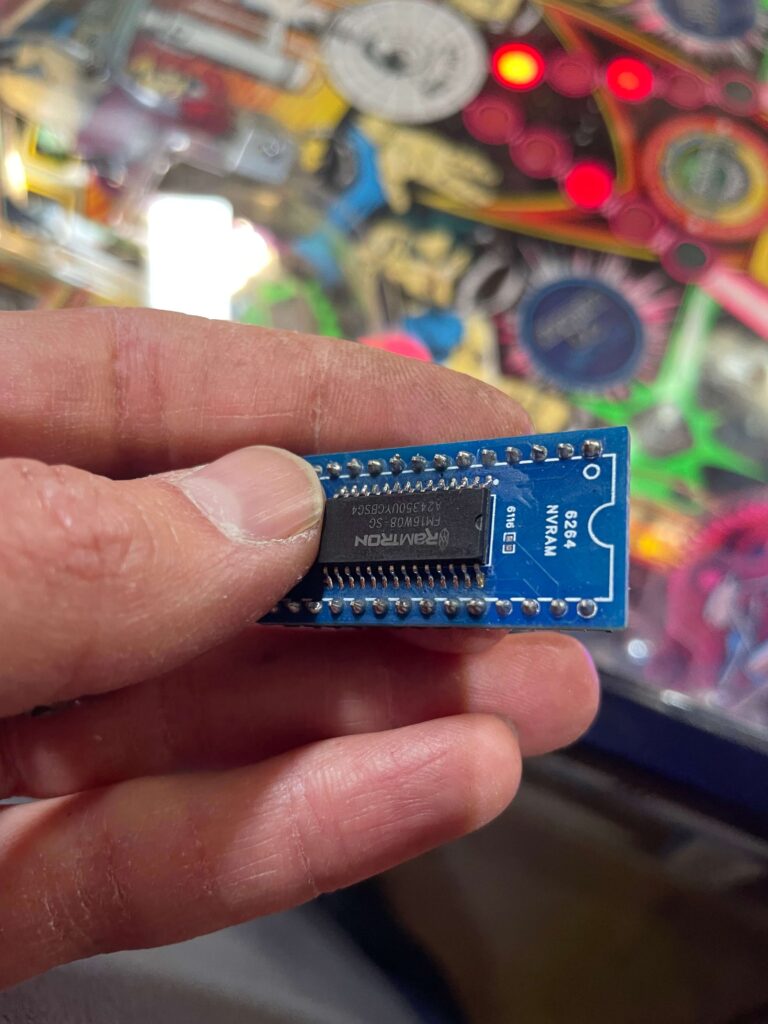
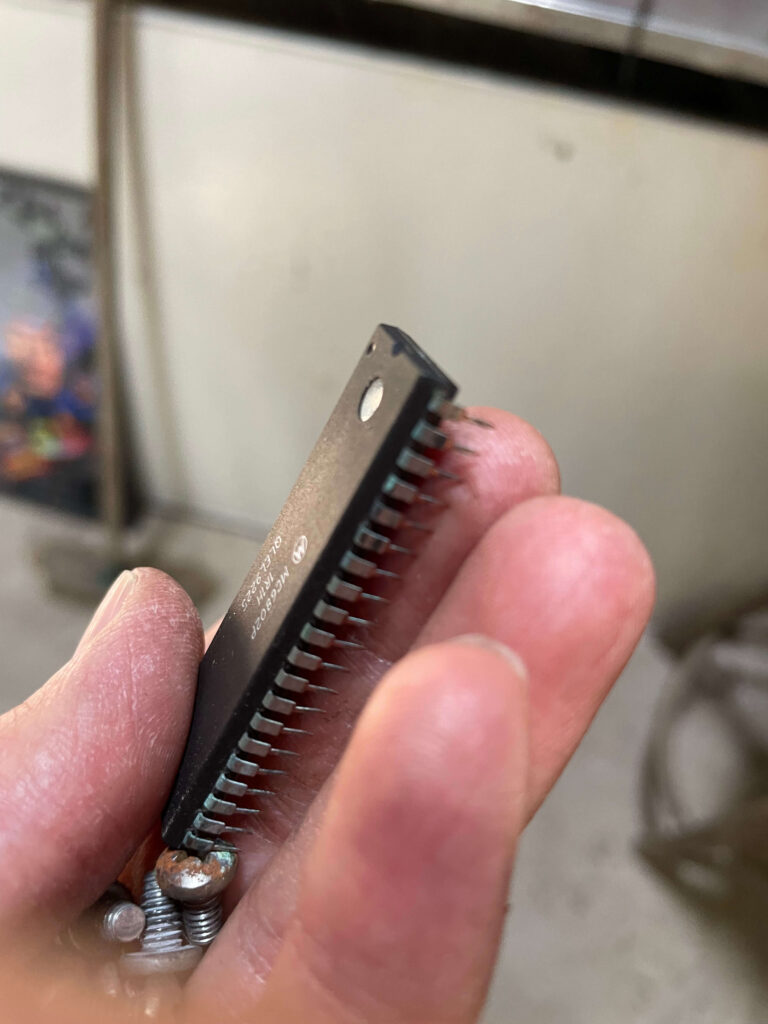
The Fix on Site When I arrived in Llanelli and inspected the board up close, I found another issue: the main 6802 CPU had corrosion on its pins. To guarantee a bulletproof repair, I did the following:
- Replaced the corroded 6802 CPU with a brand new one.
- Removed the faulty Ramtron NVRAM and installed a standard, reliable RAM chip.
- Fitted standard batteries temporarily so Rob could test and play the game immediately
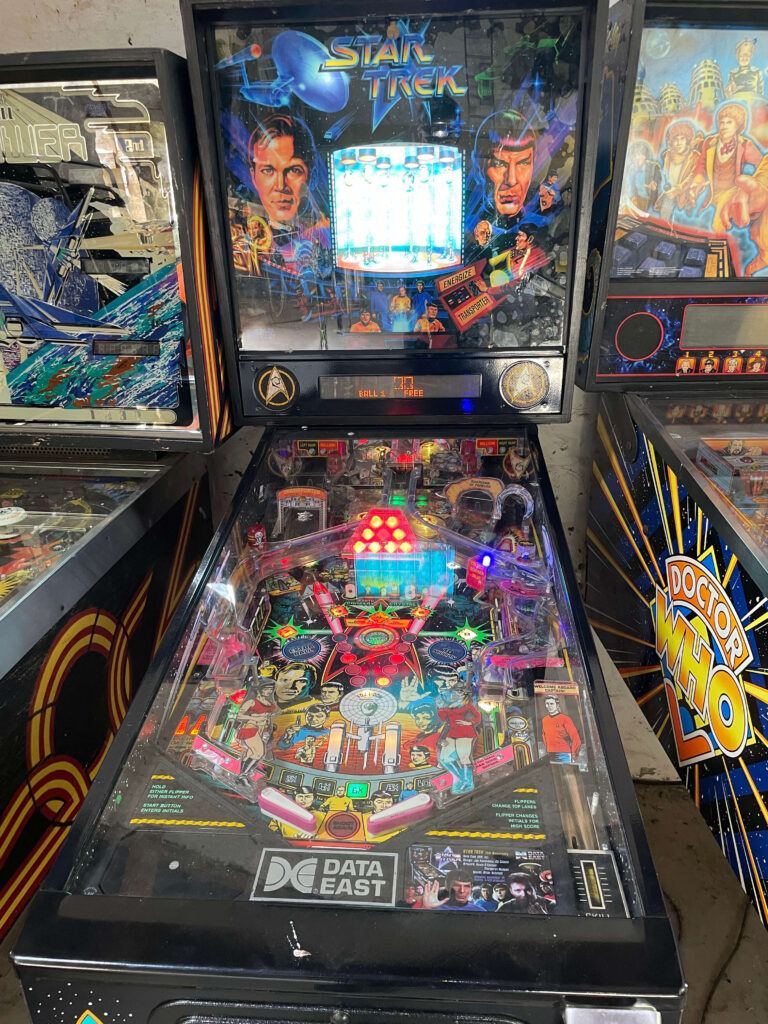
The result? Bingo. The machine fired right up, held its memory perfectly, and the erratic multiball issues vanished. My next step with Rob will be to install a remote battery holder to ensure his freshly repaired board never suffers from alkaline leak damage in the future.
Does your classic pinball have a gremlin that other techs can’t find? Reach out today, and let’s get it working properly!